
Sepialune - Dark Mode & Sepia
Screenshots
Description
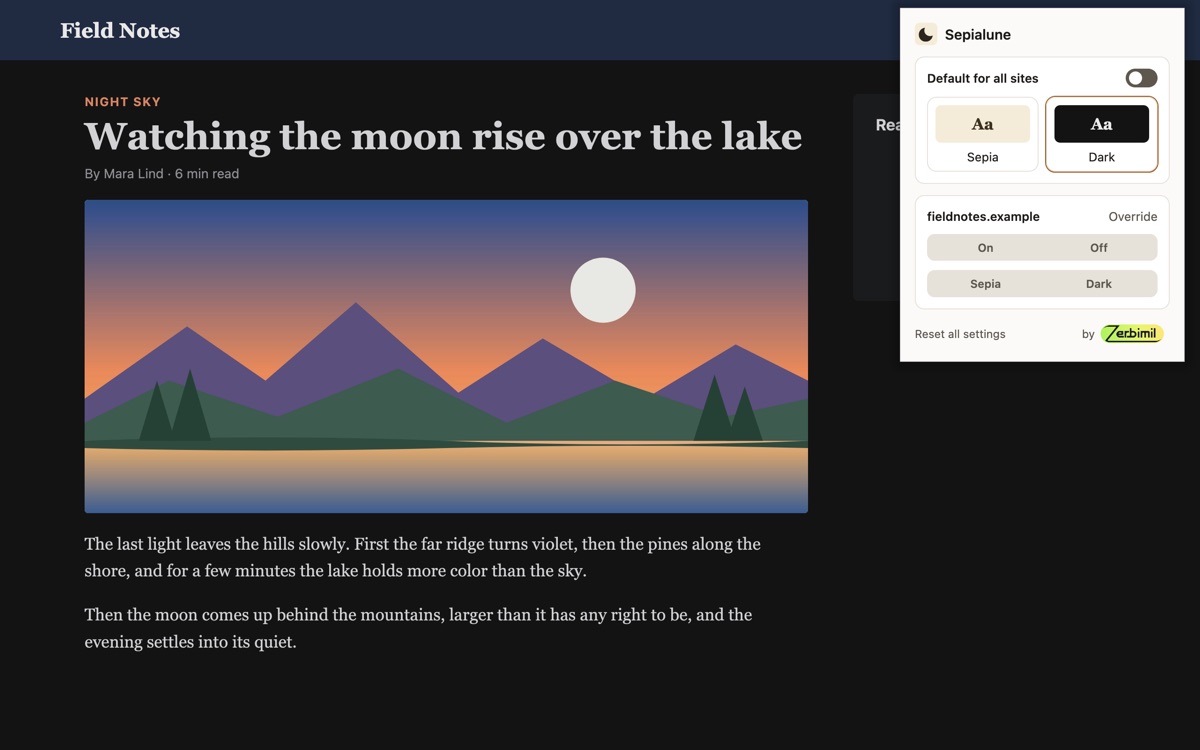
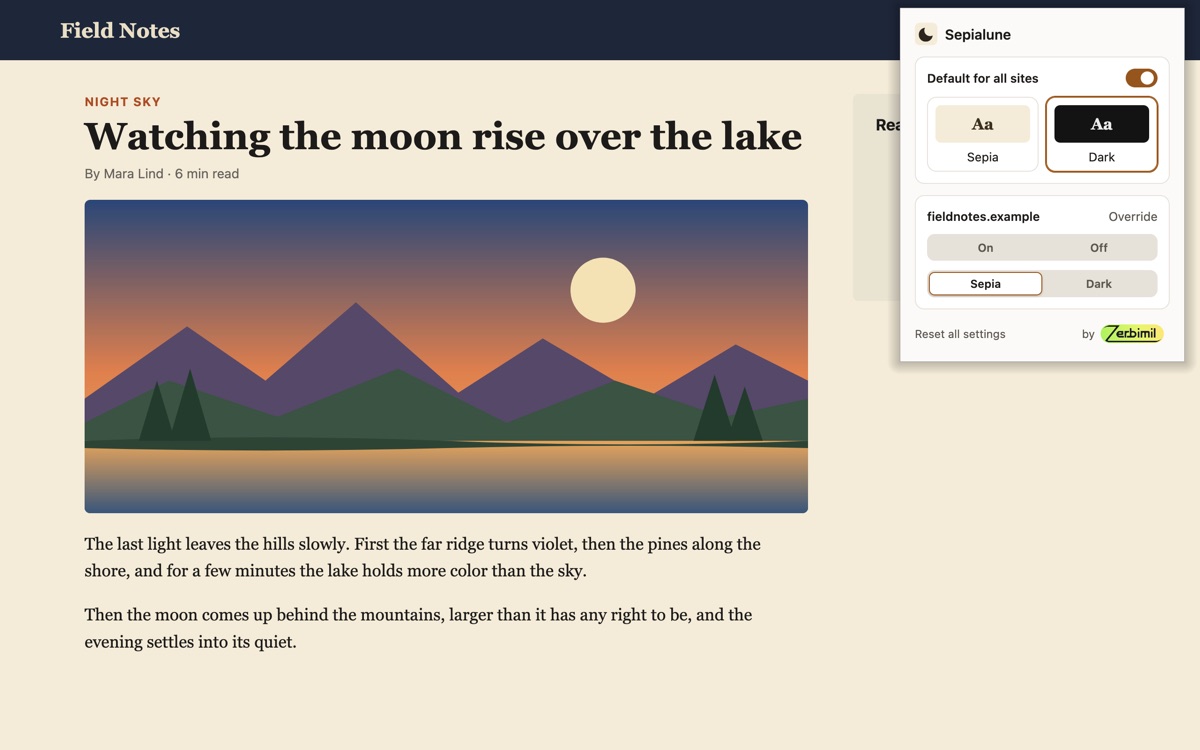
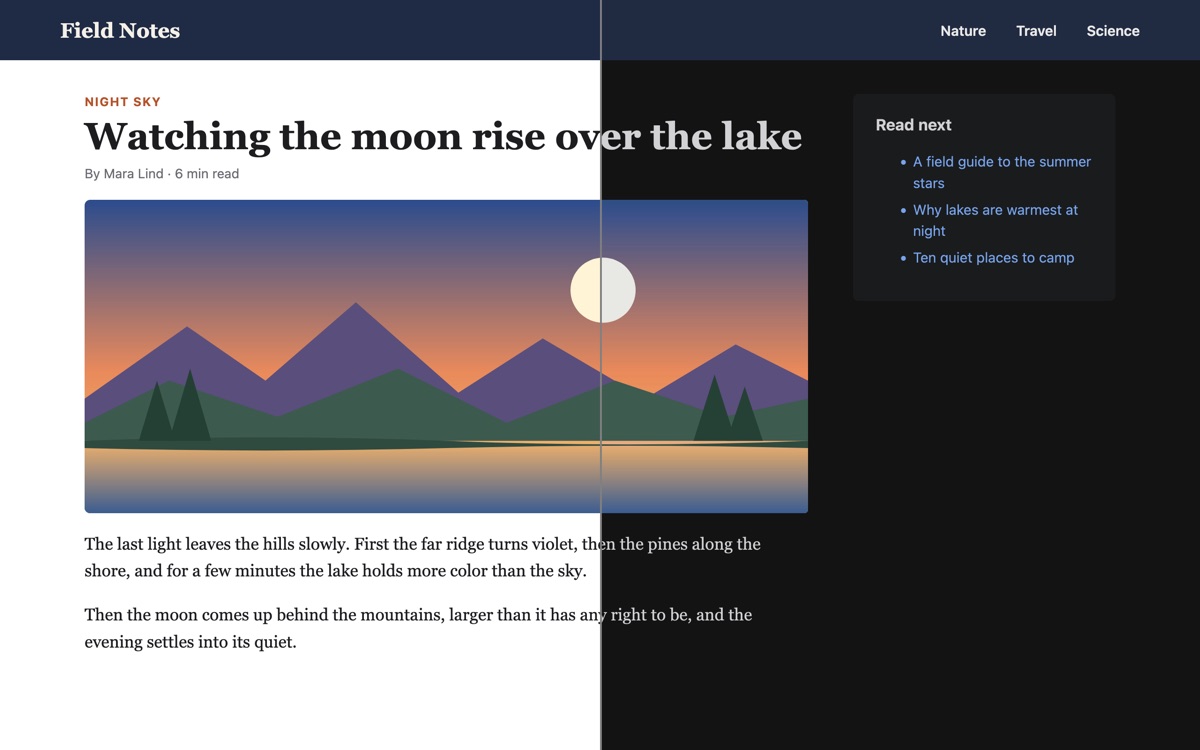
Sepialune gives every website a dark look or a warm sepia tone. Pages get it the moment they start loading, so they don't flash white first.
- Two colors, Dark and Sepia, and an on/off switch for all sites. Pick them in the toolbar popup.
- Overrides for single sites: switch a site on or off, or give it a color of its own. A site switched on keeps its color even while Sepialune is off for all others, so you can darken just a few sites.
- Dark mode that respects design: sites with a dark design of their own are left as they are, photos and videos keep their real colors, and the dark header or footer of a light site stays as designed.
- Alt+Shift+D switches Sepialune off for the current site, and back on (on desktop).
- Works in Firefox and Firefox for Android, in English and German.
Private by design: no tracking, no analytics, no account, no network requests. Your settings stay on your device, and Reset all settings in the popup deletes them.
Sepialune needs access to all websites to change their colors. You can take it away in Firefox's add-on settings and allow single sites instead.